

2 min readNew DelhiUpdated: Feb 21, 2026 09:03 AM IST
Google Chrome, the world’s most popular web browser, is getting a bunch of new features. The tech giant says all new features are aimed at boosting productivity by helping users manage tabs efficiently and complete tasks faster than before.
ARTICLE CONTINUES BELOW VIDEO
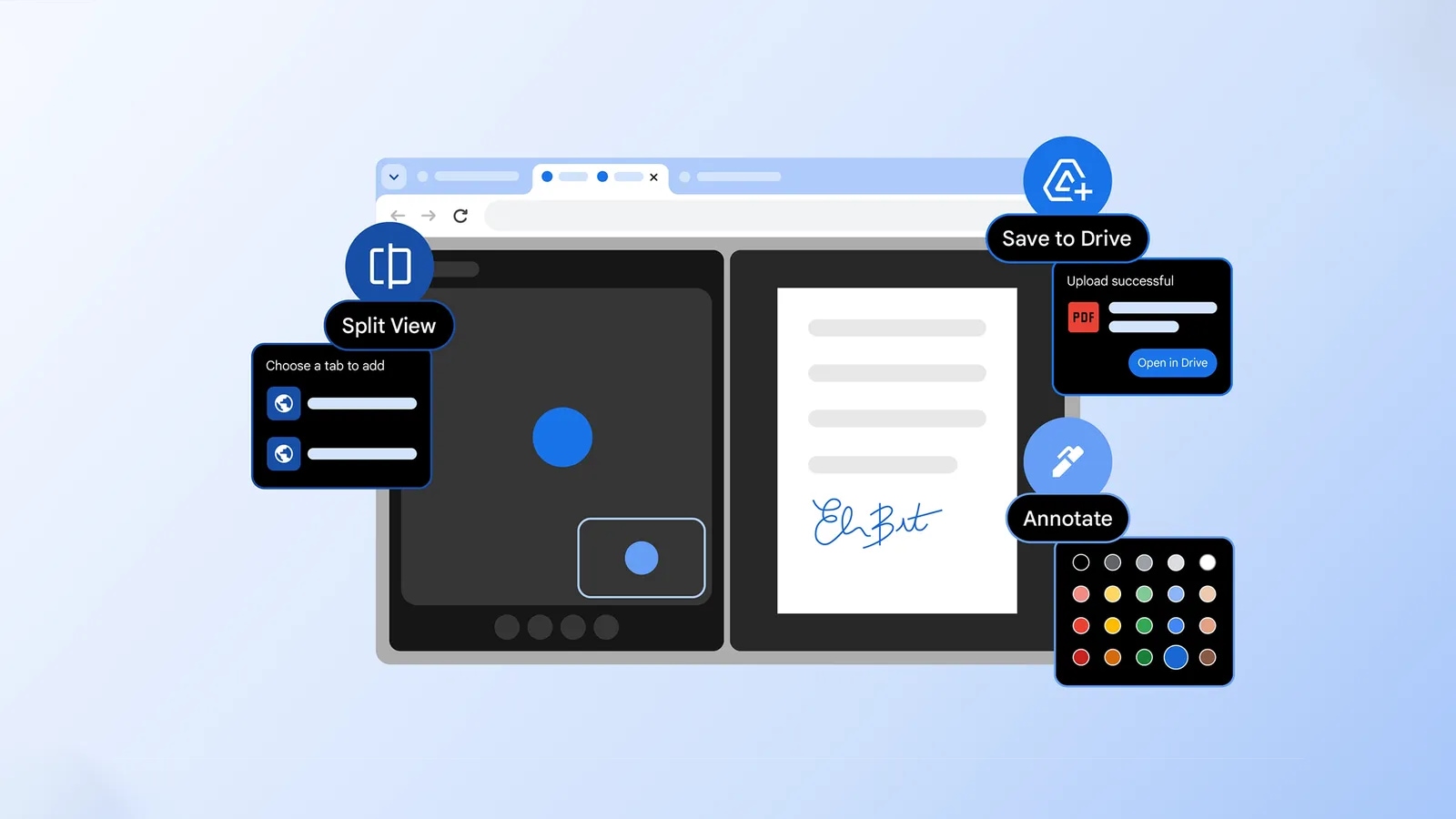
In a blog post, Google announced that Chrome is getting a Microsoft Edge-like “Split view”. As the name suggests, the functionality allows users to view two tabs simultaneously in a single window, eliminating the hassle of constantly switching between windows.

For example, you can use Chrome’s split view feature to take notes while watching a YouTube video and refer to a document while coding.
To use the new feature, right-click on a Chrome tab in the window with two tabs open, and you will see a new option called “Add tab to new split view”. Click on it, and Chrome will arrange them side by side in the same window.
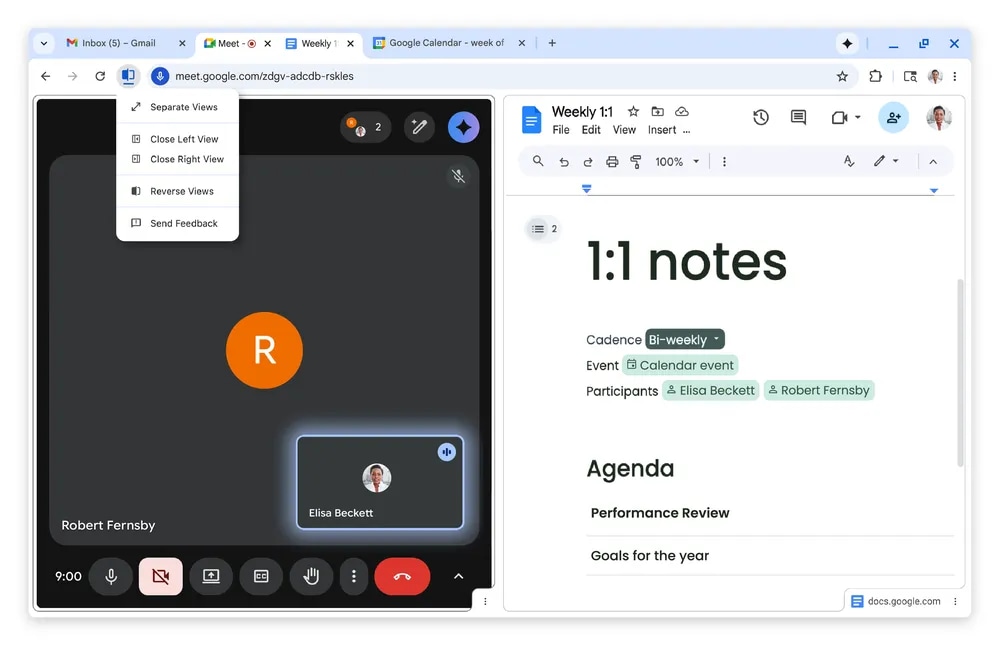 This is what Chrome’s new “split view” looks like. (Image Source: Google)
Also, users can choose which tabs appear on the left or right side, and even resize the split panes to make one tab larger than the other.
Next up is the ability to highlight text and add notes to a PDF on the fly. Using Chrome’s built-in PDF browser, the new feature eliminates the need to download the file and open it in a different app.
The new feature can not only come in handy for digitally signing documents, but also for viewing work reports and even making notes about the class syllabus.
Story continues below this ad
Lastly, Google is also making it easier for Chrome users to track where their downloaded files go. The tech giant said it will be rolling out a new “Save to Google Drive” option, so users can know exactly where their downloaded file is.
When you use the new option, they will be automatically organised into a dedicated “Saved from Chrome” folder.
© IE Online Media Services Pvt Ltd
